2026 payments; 2027 filing
Printing 1099 Forms: Plain Paper, Preprinted Forms and Copy A
Choose the destination before choosing how to print a 1099. A recipient statement, a retained business copy and a paper return for the IRS have different purposes and format requirements. A printout that works for one destination may be unsuitable for another.
Source review: · Updated
 Filing guide
In this guide
Choose the destination before choosing how to print a 1099. A recipient statement, a retained business copy and a paper return for the IRS have different purposes and format requirements. A printout that works for one destination may be unsuitable for another.
This checklist focuses on Forms 1099-NEC and 1099-MISC for 2026 payments. It helps you verify the copy and print method after the reporting decisions and amounts have been reviewed.
Confirm whether an IRS paper filing belongs in your plan
The federal electronic-filing threshold generally applies when you must file at least 10 covered information returns, counted together across relevant form types. Review the aggregation rules and any applicable waiver or exception in Publication 1099. Counting only your NEC forms can give the wrong answer.
If you file a return electronically, do not send the same return to the IRS again on paper. Printing recipient statements after electronic filing can be appropriate, but those statements have a different destination.
Understand the Copy A warning
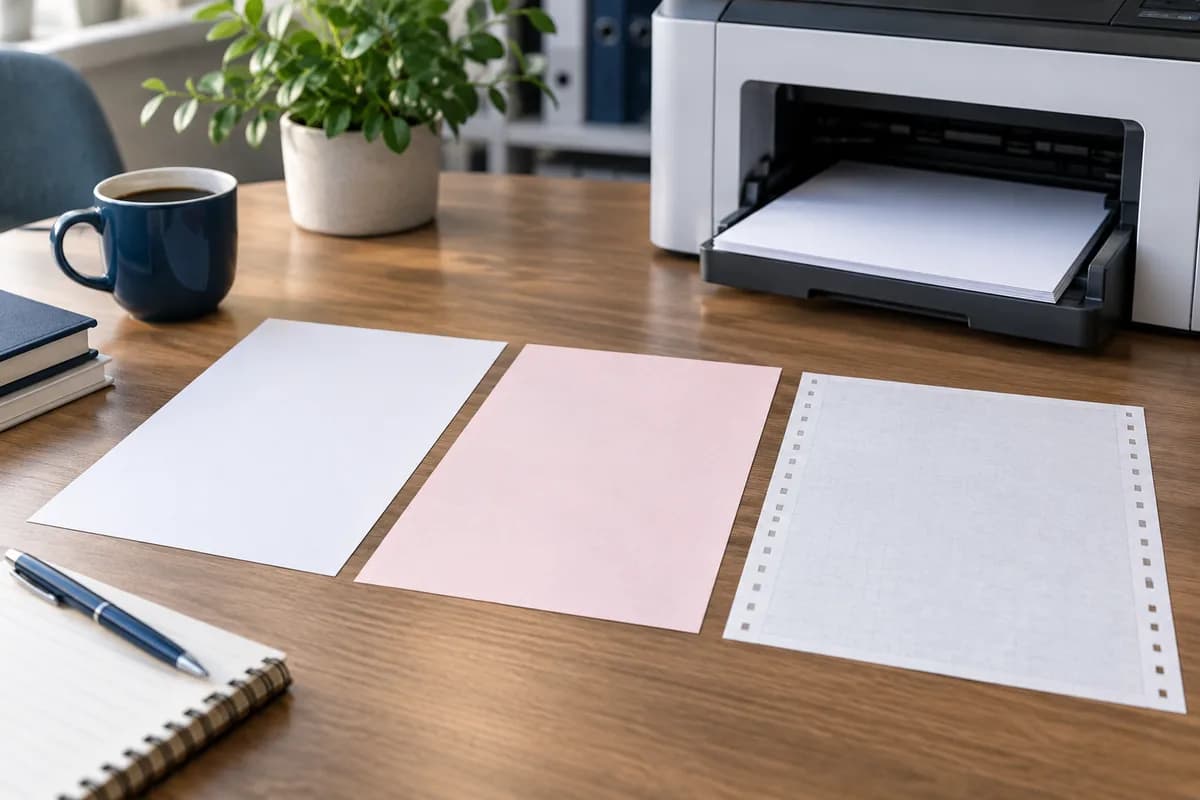
The IRS warns that Copy A downloaded from its website is for information and is not the scannable copy used for paper filing. Printing it in color does not change that warning. The official printed forms available through the IRS include scannable Copy A; substitute agency forms must meet the applicable IRS specifications.
The paper transmittal also matters. Where paper filing is permitted, Publication 1099 explains the use of Form 1096 and the relevant grouping and mailing requirements. Downloading a 1096 image does not make it an acceptable paper transmittal either. Follow the current paper-filing instructions rather than assembling an improvised packet from screen images.
Recipient copies have their own permitted formats
The IRS NEC/MISC instructions make Copies 1, B and 2 available as fillable PDFs for appropriate statement and record uses. A downloaded recipient copy can be printed on ordinary paper when prepared and furnished in accordance with the instructions. A provider-generated substitute statement must comply with the applicable requirements, including any required recipient instructions.
Ask what the output actually is: an official recipient form, a compliant substitute statement or a preview intended only for review. Do not infer suitability from a professional-looking layout or a vendor logo.
Run a physical sample before the full batch
Inspect one ordinary record and one record with a long name or address. Check the tax year, copy label, recipient identity, amounts, decimal placement and the visibility of required information. Make sure characters are not clipped and pages have not been scaled in a way that damages the intended layout.
If printing entries on preprinted forms, confirm that the data aligns with the correct form revision. The 2026 NEC/MISC layout has changed, so an older template needs specific review. Follow the IRS requirements for paper entries and the printer or form supplier's instructions; a remembered setting from last year is not sufficient evidence.
For recipient mailings, test the folded page inside the actual envelope. Only the intended address should appear through the window. Verify that another recipient's page cannot become attached during sorting or insertion.
A hypothetical print decision
A business has 16 reportable NEC returns and plans electronic filing. It needs paper statements for its recipients. Its preparer downloads suitable recipient copies, reviews a sample and prints the batch. It does not print and mail a second set of federal originals.
A different filer determines that paper filing is permitted for its facts. That filer obtains appropriate scannable agency forms and follows the current Form 1096 instructions, while separately preparing the recipient statements. The two businesses may use the same office printer, but their agency-filing needs differ.
Approve the output, not just the printer job
Before releasing forms, record which year and template were used, how many statements were approved and who checked the sample. Reconcile the completed print count to the intended recipient list. Set aside spoiled or superseded pages securely so they cannot enter the mailing batch.
E-File Magic's recipient PDFs include the form layout for printing on plain white paper; review the copy labels and a sample before mailing. Want to hand off physical fulfillment? Optional Print & Mail handles printing, preparation and mailing to recipients. IRS e-filing remains a separate part of the order workflow, so you can plan recipient copies without mistaking a printout for an IRS paper Copy A submission.
General federal filing information. Review current instructions and obtain advice for your specific facts.
PUT YOUR GUIDE INTO PRACTICE
Put your filing plan into practice.
Start with your reviewed records, or contact our team to confirm the services your filing needs.
The official reference
IRS instructions for this guide
Preview here, or save a copy for later.
Publication 1099 — General Instructions for Certain Information Returns
2026 editionPDF · 1416 KB
Need another form or year? Explore the full library. Edition dates reflect the IRS publication and may differ from the tax year.
Sources & further reading
Official references used in this guide. Check the applicable form revision and current instructions for your filing year.