
FORM W-9 REQUESTS
Request Form W-9 online.
Request taxpayer information securely and get recipient records ready before filing season.
A practical starting point for vendor onboarding and year-end recipient preparation.
TrustpilotRead our customer reviews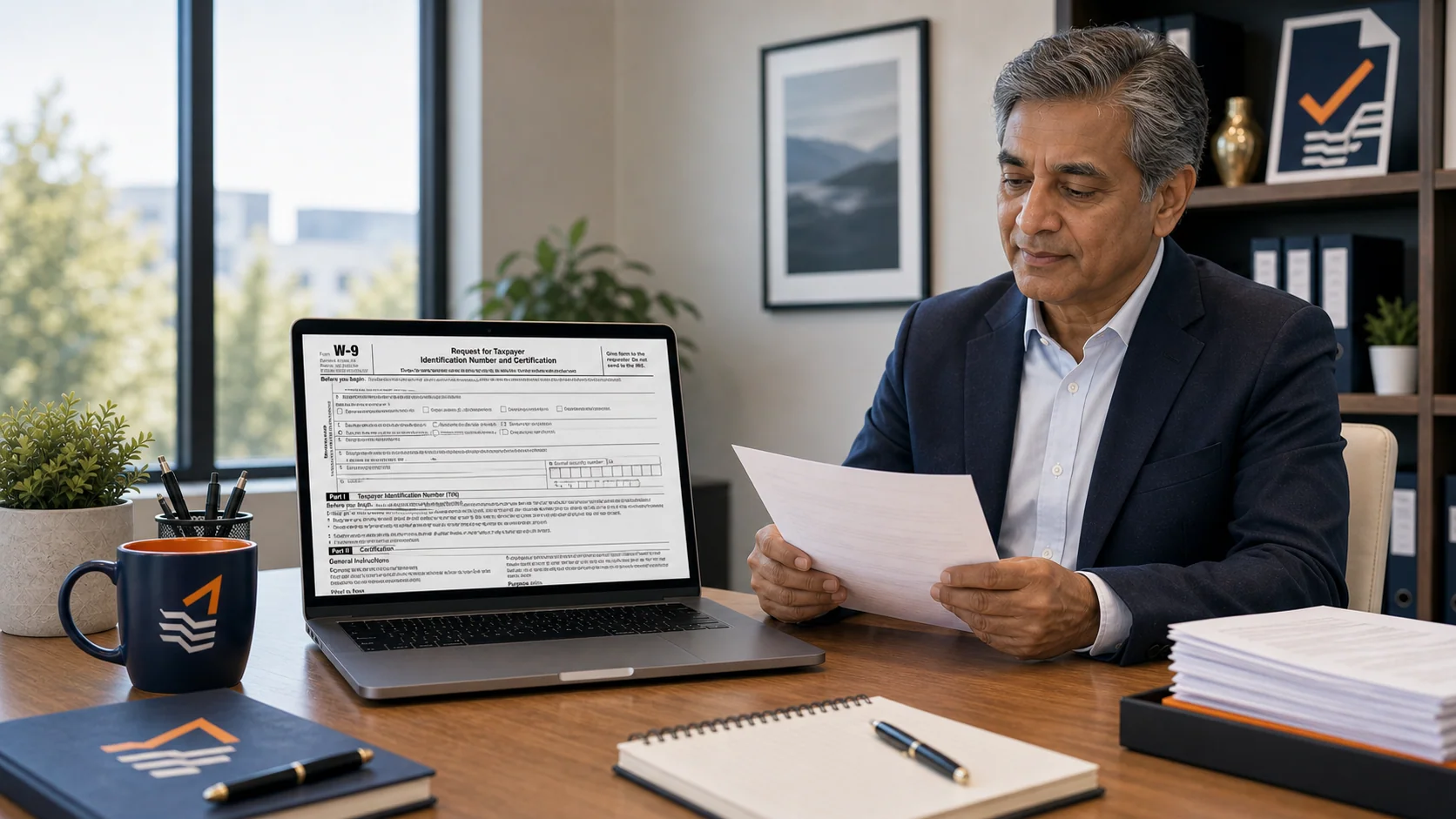
What is Form W-9?
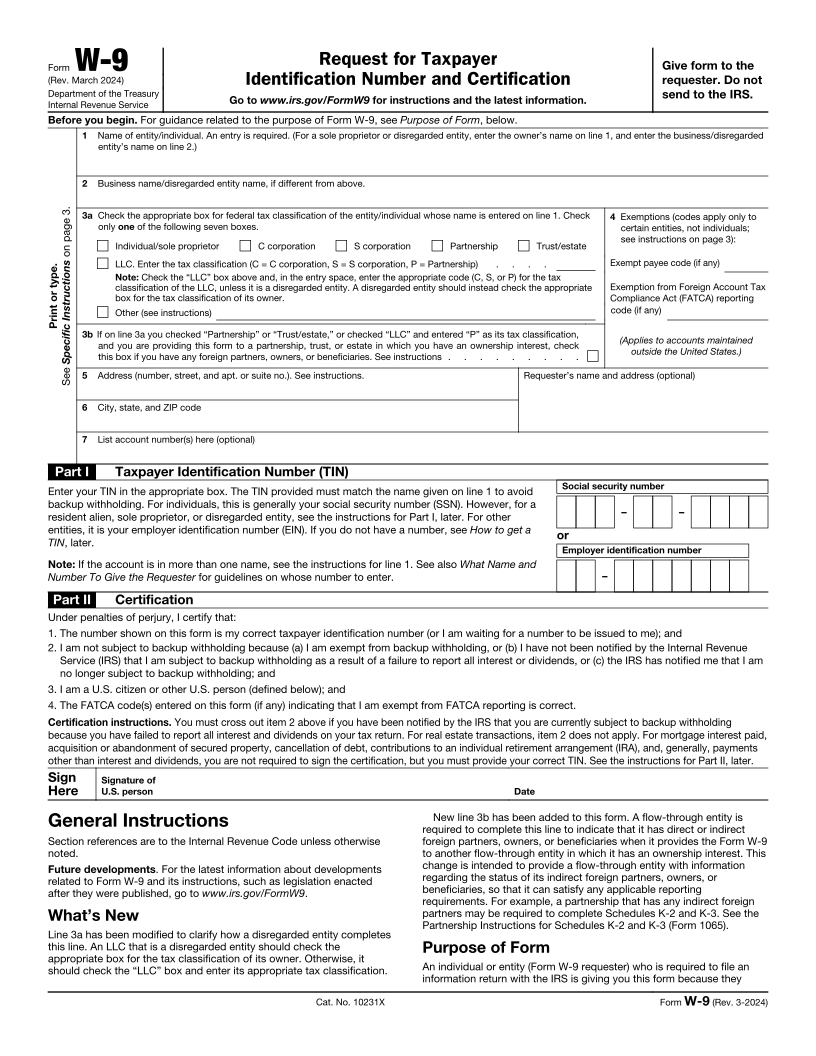
Form W-9, Request for Taxpayer Identification Number and Certification, collects a U.S. person's name, federal tax classification, taxpayer identification number, and required certifications. The requester keeps the completed form to support information reporting. Form W-9 is generally not filed with the IRS.
- 1
Legal identity
Name, business or disregarded-entity name where applicable, and federal tax classification.
- 2
Taxpayer and address details
TIN, address, and applicable exemption or account information.
- 3
Certification
The certifications, signature, and date required for the recipient's circumstances.
Guides & scenarios
Practical help for your W-9 questions.
Explore the preparation guide and situations that may affect your W-9 collection.

2026 preparation guide
Form W-9: A Better Vendor Onboarding Plan for 2026
Read guide
Reporting scenario
Missing W-9 Near the 1099 Deadline: A Payer’s Action Checklist
Read scenario
Reporting scenario
Does an LLC Vendor Need a 1099-NEC? Review the W-9 Classification
Read scenario
More W-9 guides and scenarios (11)
- 1099 Software for Accountants: Organize Client Review and Approval
- A Contractor Changed Business Entities Midyear: Review the Payee Records
- A Contractor Provides a W-8BEN Instead of W-9: Stop the Domestic Filing Workflow
- A Contractor Supplies the Missing TIN: When Can Backup Withholding Stop?
- A Vendor Is Exempt From Backup Withholding: Verify the W-9 Claim
- Duplicate Vendors in Your 1099 Data: Find Them Before Import
- First B Notice: What a Business Must Request From the Payee
- From Accounting Export to 1099 Filing File: Prepare the Handoff
- TIN Matching Flags a Vendor: Resolve the Match Without Inventing a Number
- Who Should Access Your 1099 Filing Data? A Team Review Checklist
- Wrong Recipient Name or TIN on a 1099: Prepare the Correction Review
Working in E-File Magic?
Create and dispatch a W-9 requestWho requests a W-9
Better information starts before filing season.
Businesses onboarding vendors and contractors
Request the legal identity and taxpayer information needed before reportable payments accumulate.
Accounts payable teams and CPA firms
Track outstanding requests and keep completed information connected to the recipient records used for year-end preparation.
Start with your request list.
Add taxpayer email addresses individually or import a supported request list. Review the issuer and requests before dispatch.
From a W-9 request to information you can use.
Give taxpayers a secure way to respond, then review their information before preparing returns.
- 1
Set up your issuer
Confirm the business identity taxpayers will see.
- 2
Create requests
Add email addresses or import a request list.
- 3
Send securely
Dispatch the requests when you are ready.
- 4
Collect responses
Taxpayers verify access, enter details, and certify.
- 5
Review and use
Check submissions and convert them into filing records.
Secure requests
Create, dispatch, and follow requests from your workspace.
Review responses
Check submitted information before converting it into filing records.
Optional TIN Matching
Check eligible recipient name and Tax ID combinations separately.
A completed W-9 supplies information to review. It does not file a return or automatically complete a TIN match.
Explore W-9 requestsFrequently asked questions
Form W-9 collection questions.
Practical answers about taxpayer information collection and the next steps in your workflow.
Do I send Form W-9 to the IRS?
Generally, no. The requester retains the completed W-9 and uses its information to prepare applicable information returns. Sending a W-9 request does not file a 1099.
Is Form W-9 used for foreign recipients?
Form W-9 is for U.S. persons. Foreign persons generally document their status using the appropriate Form W-8 or other required documentation. Choose the correct documentation for the recipient.
What do I need to send a W-9 request?
Start with a valid taxpayer email address and the issuer identity you want the taxpayer to see. Create requests individually or import a supported request list, then dispatch them when ready.
How does the taxpayer respond?
The taxpayer opens the secure link, verifies an email code, supplies the requested information, and completes the certification and signature steps.
Does a completed W-9 automatically create a recipient?
You review the submitted request and explicitly convert the information into filing records. A response does not silently create or update a recipient.
Is collecting a W-9 the same as TIN Matching?
No. W-9 collection gathers information from the taxpayer. IRS Bulk TIN Matching is a separate service that checks eligible name and Tax ID combinations against IRS records.
Can I follow requests that have not been completed?
Yes. The request workspace lets you review request status and submissions, and re-dispatch a request when the taxpayer needs a fresh secure link.
Get your recipient information ready.
Bring your records together and take the next step with E-File Magic.